How to Do a GEO Audit: A Step-by-Step Guide
Published June 9, 2026
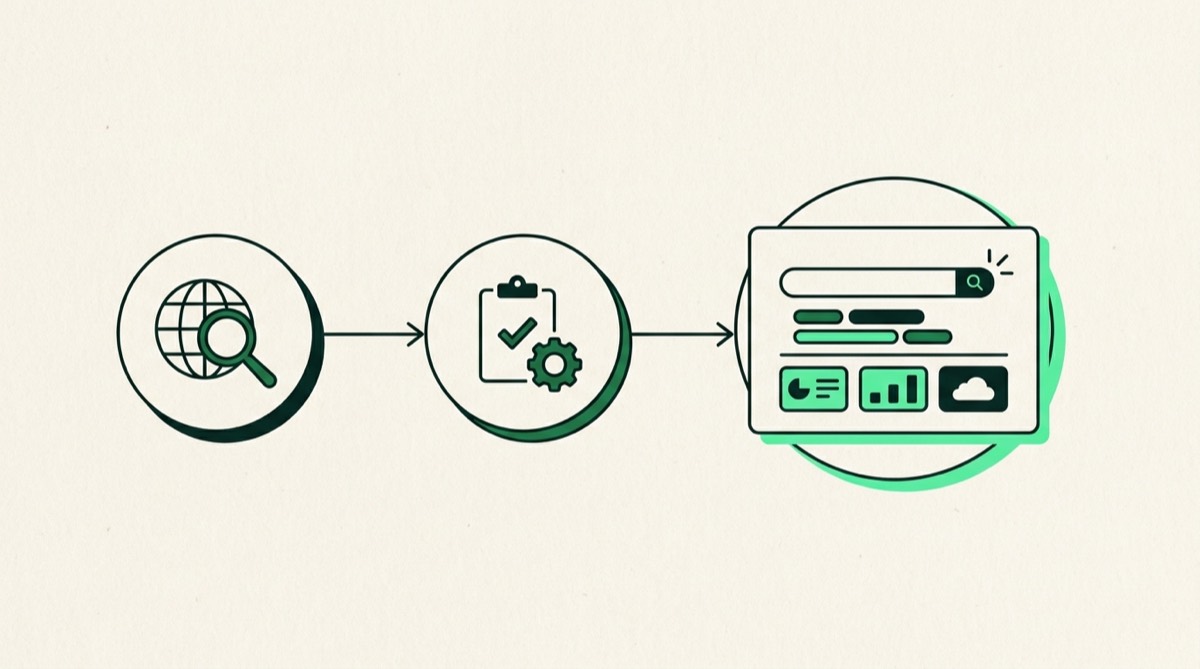
Short answer: To do a GEO audit, identify the buyer-intent prompts your customers type into AI engines, test those prompts live to see who gets cited and whether you appear, then audit the signals that drive citation: entity clarity, structured data, citable content formats, crawler access, and off-site authority. Document your current state, benchmark competitors, build a prioritized fix list, and re-test monthly to track your AI visibility score over time.
AI engines now answer shopping questions directly, and if your store does not appear in those answers, you are missing buyers who never see a traditional search result. A GEO audit tells you exactly where you stand and what to fix. This guide walks through how to conduct a GEO audit from scratch, step by step.
If you would rather hand this off, you can have it done for you and get a prioritized report back within a few days.
Step 1: Pick Your Buyer-Intent Prompts
Start with the questions real shoppers ask AI engines, not the keywords they type into Google. The mindset shift matters. AI engine queries tend to be conversational and decision-stage: “What is the best protein powder for women over 40?” rather than “protein powder women.”
Build a list of 10 to 20 prompts covering three categories:
- Category discovery prompts. “Best [your product category] brands”, “top [product type] for [use case]”, “which [product] should I buy.”
- Comparison prompts. “What is the difference between [your product] and [competitor product]”, “[your category] compared.”
- Brand-specific prompts. Your store name plus questions like “is [your brand] legit”, “reviews of [your brand]”, “[your brand] vs [competitor].”
Write these in a spreadsheet. You will return to this list at every stage of the audit and every month when you re-test.
Step 2: Test Prompts Live and Record What You Find
Open ChatGPT, Perplexity, and Google Search. Run each prompt in each engine and log the results. For every response, record:
- Whether your store is mentioned by name.
- Whether your URL is cited as a source.
- Which competitors appear, and how prominently.
- What claims the AI makes about your category or products.
Be systematic. Copy the AI response text into your spreadsheet alongside the prompt. Take screenshots for prompts where your competitors dominate. This raw data is your baseline visibility score.
Note any factual errors the AI makes about your store or products. These are often caused by outdated or missing information in the places AI models pull from, including your website, your Google Business Profile, and third-party sources.
Step 3: Audit Your Entity and Brand Signals
AI models build a picture of your store from structured signals across the web. If those signals are inconsistent or missing, models either ignore your store or get the facts wrong.
Check each of the following:
- Consistency across platforms. Your store name, description, and contact details should match exactly on your website, Google Business Profile, social profiles, and any directory listings.
- About page quality. Does your About page read like a factual brief? It should state who you are, what you sell, who you serve, where you operate, and what makes your store different. Plain declarative sentences are easier for models to cite.
- Organization schema. Does your site include
Organizationstructured data withname,url,logo,sameAs(links to your social profiles), anddescription? Validate with Google’s Rich Results Test. - Google Business Profile. Claimed, verified, and populated with accurate categories, descriptions, and photos.
- Wikidata. If your brand has verifiable third-party coverage, a Wikidata entry strengthens your entity footprint.
Log what is present and what is missing. Missing items go onto your fix list.
Step 4: Check Your Structured Data
Structured data is a direct signal to AI crawlers about what your pages mean. Without it, models have to guess. With it, they know.
Audit the following schema types:
- Product schema on every product page. Check for
name,description,brand,offers(includingpriceandavailability), andaggregateRatingif you collect reviews. - FAQPage schema on category pages, landing pages, and buying guides. FAQ schema formats your content as pre-packaged AI answers.
- BreadcrumbList schema on category and product pages.
- Article or BlogPosting schema on blog content.
Run your key URLs through schema.org’s validator and Google’s Rich Results Test. Document any errors or missing types. Broken schema is worse than no schema because it can actively confuse crawlers.
Step 5: Evaluate Your Citable Content
AI models cite content that is factual, specific, and formatted as a direct answer. Vague marketing copy is skipped. Review your most important pages against these criteria:
- Product descriptions state facts: dimensions, materials, certifications, compatibility, origin. “Our best-ever jacket” tells a model nothing. “550-fill recycled down, rated to minus 10 degrees Celsius, made in Portugal” is citable.
- Buying guides and blog posts lead with the answer. The question goes in the H2 heading. The answer appears in the first two sentences beneath it. This mirrors how AI models retrieve and surface information.
- Comparison content is present. AI engines cite comparison and roundup posts heavily when answering “best X” queries. If you have none, competitors who do will dominate.
Score each page as strong, adequate, or weak. Weak pages are candidates for a content refresh.
Step 6: Verify AI Crawler Access
AI engines cannot cite you if they cannot crawl you. Check three things:
- robots.txt. Open your robots.txt file and confirm it does not block
GPTBot(ChatGPT),PerplexityBot, orGoogle-Extended(the crawler Google uses for AI Overviews training data). If any of these are disallowed, add a specific allow rule or remove the block. - llms.txt. This is a plain-text file at the root of your domain that tells AI agents what your site contains and how to navigate it. It is not required by all engines, but adding one is a low-effort signal of GEO readiness. You can learn more at the GEO hub for ecommerce stores.
- Crawl errors. Check Google Search Console for pages returning 404 or 5xx errors. Broken pages reduce the coverage AI crawlers can index from your site.
Step 7: Benchmark Your Competitors
Return to the AI responses you logged in Step 2. For the competitors who appear most often, spend 15 minutes reviewing their sites against the same checklist you just used for yourself.
Look for patterns. Do they have more FAQ schema? Better answer-formatted content? More third-party coverage? Stronger review volume? You do not need to do everything a competitor does, but you do need to understand why they are getting cited and you are not. That gap analysis is what turns a GEO audit into a fix list.
Step 8: Build a Prioritized Fix List
Take everything you logged and sort it into three buckets:
- Quick wins (under two hours each). robots.txt fixes, crawler unblocking, Organization schema additions, About page rewrites, llms.txt creation. These are high-impact and fast.
- Medium effort (half a day to two days). Adding Product and FAQ schema across key pages, refreshing product descriptions with factual copy, writing one or two answer-formatted buying guides.
- Longer projects (one to two weeks). Building out comparison content, earning third-party coverage, improving review volume through post-purchase sequences.
Work through the quick wins first. They remove barriers immediately. Then schedule the medium-effort items over the following four to six weeks.
Step 9: Re-Test Monthly to Track Your Visibility Score
GEO is not a one-time fix. AI models update their training data and retrieval indexes on rolling cycles, so improvements take time to show up and can fade if competitors move faster.
Each month, run your core prompt list through ChatGPT, Perplexity, and Google AI Overviews again. Track your citation rate as a simple percentage: how many prompts return a mention of your store divided by the total number of prompts tested. Over three to six months you should see that number climb as your fixes take effect.
A declining score is a signal that a competitor has made improvements or that AI crawlers encountered a new barrier on your site. Either way, monthly re-testing lets you catch it early and respond.
Running a thorough GEO audit takes half a day of focused work and a clear checklist. The returns compound: every fix you make raises the probability that AI engines cite your store the next time a shopper asks a relevant question. If you want an expert to run this process for you and hand back a prioritized report, the RankClarity SEO and GEO audit covers every step above.
Frequently asked questions
What is a GEO audit?
A GEO audit is a structured review of your website and online presence to determine how visible and citable your store is to AI engines such as ChatGPT, Perplexity, and Google AI Overviews. It covers entity signals, structured data, content formats, crawler access, and off-site authority.
How often should I run a GEO audit?
Run a full GEO audit once a quarter. In between, do a monthly spot-check by re-testing your core buyer-intent prompts in ChatGPT and Perplexity to see whether your citation rate is improving, holding steady, or dropping.
Can I do a GEO audit myself?
Yes. You need a spreadsheet, access to ChatGPT, Perplexity, and Google Search, and about half a day of focused work. The main challenge is knowing what to look for in each AI engine and how to interpret the signals. If your time is limited or the findings are complex, a professional audit delivers faster, more reliable results.
Free download: The Ecommerce SEO + GEO Checklist
A practical checklist to get your store found on Google and cited by ChatGPT, Perplexity and AI Overviews.
Want this done for your store, with a prioritized 90-day roadmap?
Get your SEO + GEO audit